Move Gizmo
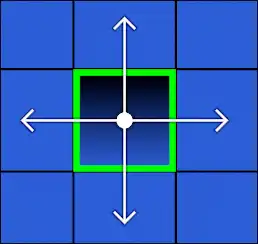
The move gizmo is used for moving objects quickly. The arrows can be dragged to move objects in the corresponding axis. Dragging the center allows the objects to be moved in any axis.
Snapping
While Ctrl is held, movement will be snapped to the nearest cell.
Quick Mode
In quick mode, object movement mirrors your mouse's input and the gizmo itself cannot be dragged.
Axis Constraining
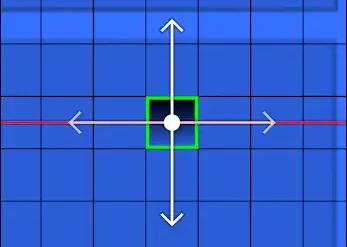
Pressing X or Y toggles between different constraint modes:
- Aligned to local axis
- Aligned to global axis
- Disabled
Holding middle click constrains the axis based on the direction the objects are compared to the inital position.
Quick Input
While the axis is constrained, the objects will be moved along the locked axis based on the quick input value.
If no axis is constrained, the quick input value will appear as the distance from the inital position.